As photographers, we value the product of our hard work from photo shoots and photo outings: our images. Unfortunately, many photographers do not have a good backup system in place as a safeguard from losses such as a crashed hard drive, corrupted files, a stolen external hard drive, or even just deleting your images by accident. It’s really not a matter of if something will happen to your images, it’s a matter of when. Will you be prepared?

You can prevent a catastrophe from ever happening to your images if you implement a good backup system into your regular photography workflow. In this article, I will explain the importance of backing up, present you with both external hard drive and cloud storage solutions, and shed light on why backing up to both an external hard drive and a cloud solution is good practice.
The importance of backing up your work
As photographers, we work hard to capture our images. You may have shot thousands of images during a once-in-a-lifetime trip abroad, or you may regularly shoot portraits, headshots or fashion for clients. It’s important to backup your images to prevent an unexpected loss of your work.
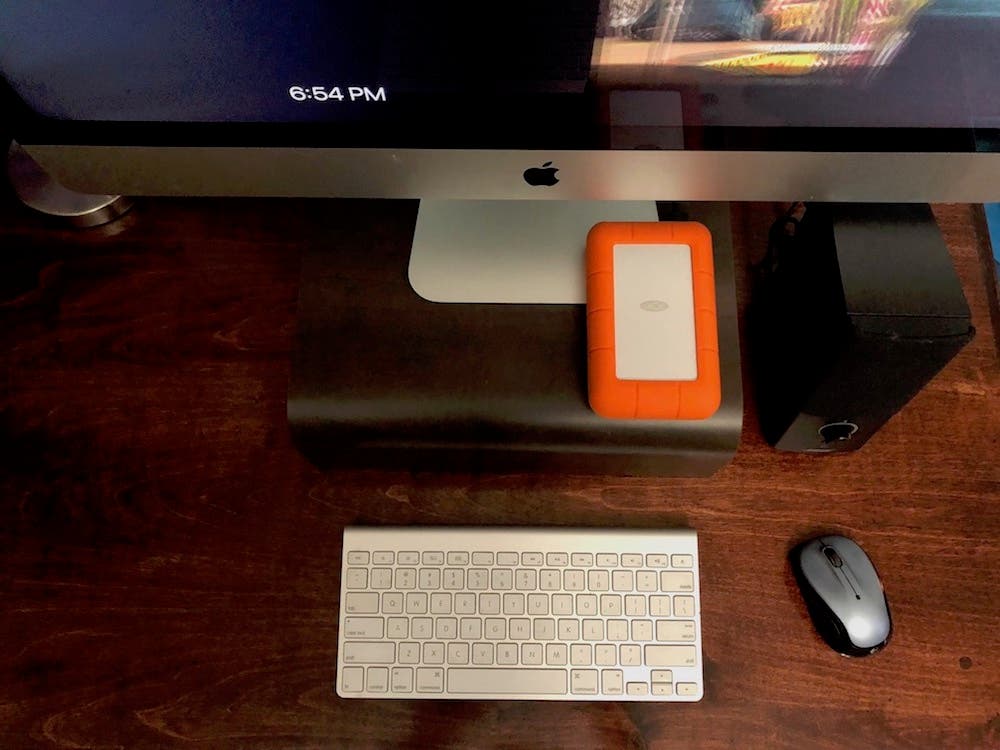
Laptops and computers are not indestructible and eventually, you may find yourself in a dilemma where the hard drive crashes, you drop the entire laptop overboard a boat, or something unexpectedly ends up corrupting your files. It happens.
But backing up your work will give you peace of mind that your images will be safe from accidental loss.
External Hard Drives
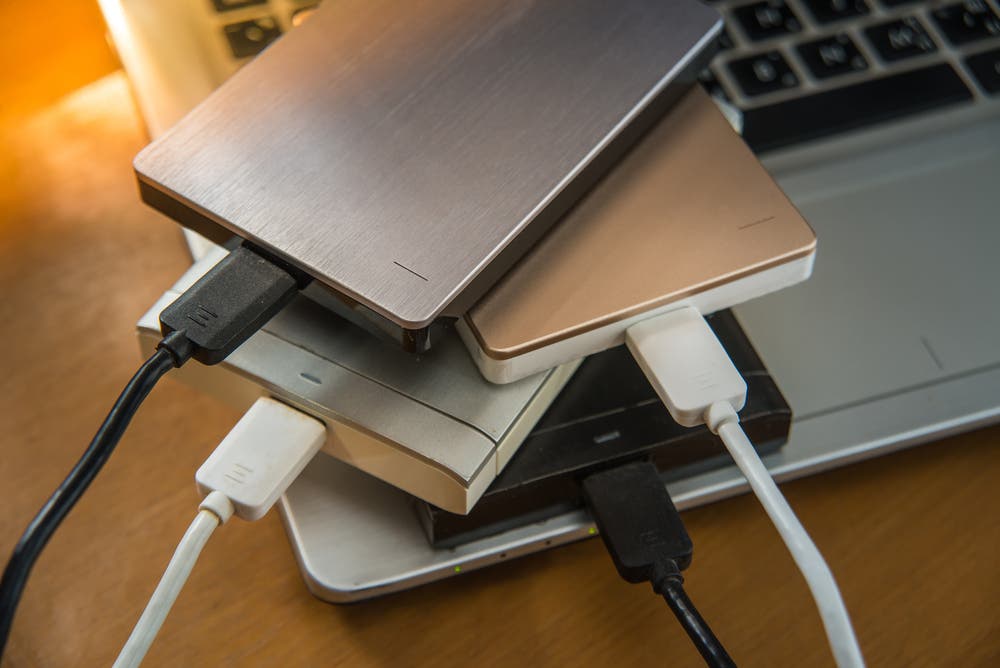
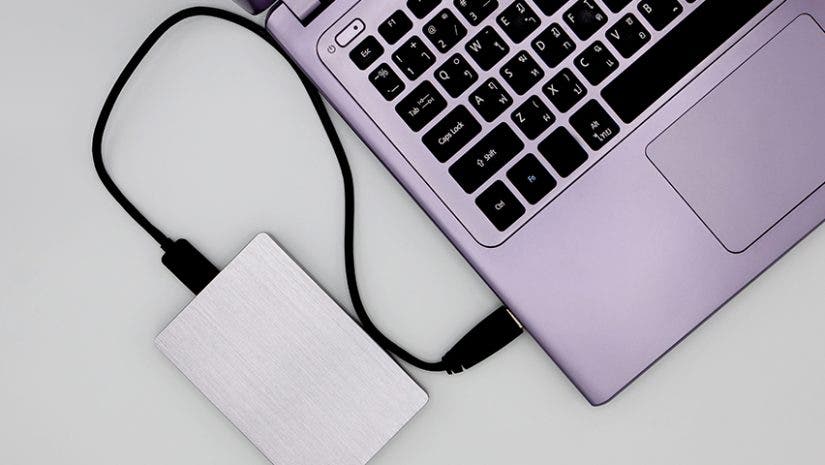
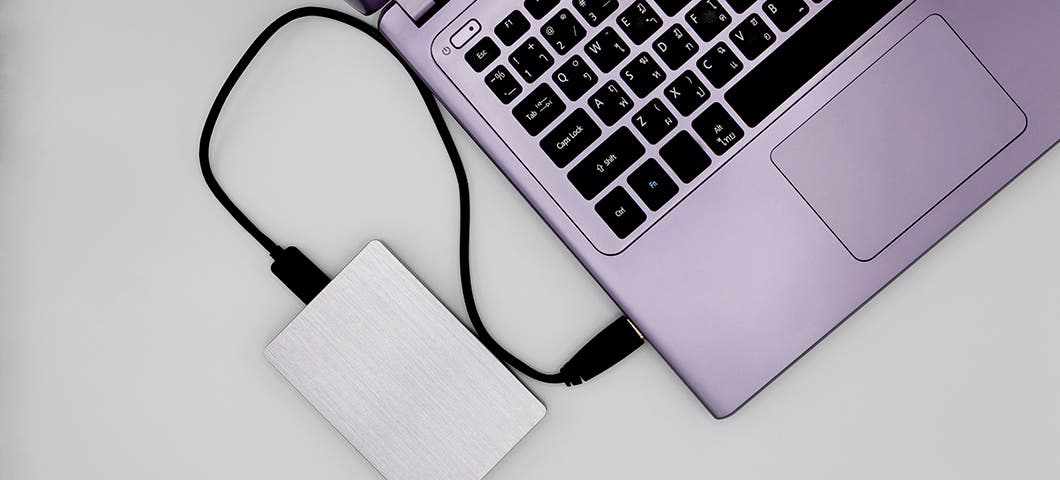
There are many external hard drive options out there for you to choose from but before you buy, here are a few things to consider:
- Storage capacity: If you shoot RAW images, depending on whether your camera is full frame or APS-C, your image files may take up a lot of space, especially with cameras gaining more megapixels each year. A 1TB or 2TB external hard drive may be a good place to start for those shooting in RAW or shooting video.
- Portability: I shoot both inside in a studio and on location when I travel, so having a small, portable external hard drive is key for me. If you only shoot in a studio, a desktop solution may work better for your needs.
- Transfer speed: If you are looking for quick backup speeds, you will want to look for a hard drive with a USB 3.2 or a Thunderbolt connection.
- Compatibility: Not all external hard drives work with all computer types. Some are compatible with Mac-only or PC-only. Be sure to confirm that an external hard drive solution will work with your computer or laptop system.
Here are a few excellent external hard drive options to consider when choosing your external hard drive solution:
- LaCie Rugged USB-C 3.0 2TB External Hard Drive ()
- G-Technology G-DRIVE 4TB Thunderbolt 3 External Hard Drive with USB 3.0 ()
- LaCie d2 Professional 3.5″ 10TB External Desktop Drive ()
- Seagate 4TB 2.5″ Expansion Portable External Hard Drive ()
- G-Technology 2TB G-Drive Mobile SSD R-Series ()
- WD My Passport Wireless Pro 1TB USB 3.0 Hard Drive with Integrated Battery ()
Cloud solutions:
A cloud solution is a perfect way to backup your work off-site — in a different location than where your internal and external hard drives reside. There are several cloud solutions out there for you to choose from in order to backup your images. A few things to look for when choosing a cloud storage plan are:
- Storage capacity: Some providers will give you some free space to start, with additional space for a monthly or annual fee. If you shoot a lot of photos and you shoot in RAW, you will require more space. A 1TB plan is a good place to start, but it is beneficial if the provider offers options for additional space, should you need it.
- File formats: If you shoot in only JPEG format, most providers will work for you, however, if you shoot in RAW, be sure to do your diligence as to the compatibility of the backup formats and your cloud solution.
- Galleries: If you are looking for the added benefit of being able to present your uploaded images as a gallery to showcase your work, not every cloud solution provides this option, so be aware of a provider’s options for displaying your work.
- Mobility: If you’re on the go a lot or find yourself needing to show your images on the spot and all you have is your mobile phone or tablet, having a cloud solution that allows you to upload or retrieve images via your mobile device or tablet is beneficial.
There are also a few applications you can set up to run in the background on your laptop, computer or mobile device to backup your work such as Crashplan, Time Machine and iCloud (for Apple users).
Using an external hard drive and cloud solution concurrently:
Even an external hard drive can sometimes crash with age, or much like an internal hard drive, they can be subject to theft, damage from water or fire, or files can become corrupted without reason. At the very least, you should back up your work to one external hard drive (or even better — two external hard drives) plus a cloud solution.
I personally back up my photography business documents to Google Drive, my images to Dropbox, and both my documents and images to a LaCie 2TB Rugged Mini Portable External Hard Drive. I also have Crashplan running in the background on my PC laptop and iMac, which constantly back up my internal hard drives.
Consider a NAS Station
Another option for storing your files and photos? NAS Stations (short for network-attached storage). These devices make files more readily available to networked devices, which makes it easy to store data from multiple gadgets in one station. If this sounds up your alley, consider a NAS Station option like the Synology DiskStation DS220j 2-Bay NAS Enclosure.
Tying it all together:
Your images are valuable assets to you. They reflect memories and/or work you’ve captured with the intention of always having them at hand when you need them. Be sure to protect those assets by having a good backup system in place. One or two external hard drives will do for a local backup plus a cloud solution is best for off-site storage.
The investment into a good backup system and actually integrating it into your photography workflow will give you piece of mind that your valuable images are always protected.